Roles / A learning decision

Copilot training for legal work

Choose legal-document support instruction.

Compare contract issue spotting, source-backed research and risk communication. Verify handling rules and require professional review; advertised tasks do not establish legal correctness.

Compare the named options ↓
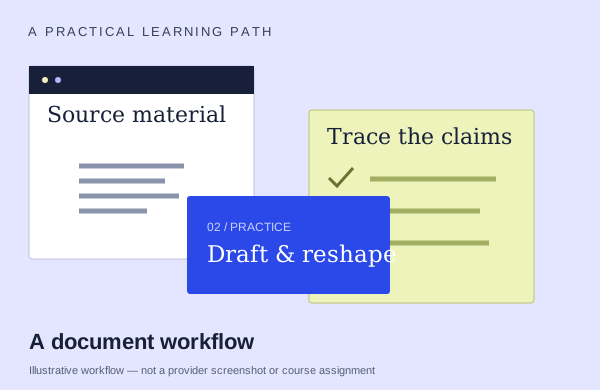
An illustrative documents workflow: start with source material, practice and check the output
An illustration to frame your learning goal—not an assignment promised by every course.

Selection checklist

Compare the details that matter.

01 / COMPARE

Document tasks

Start with source material and inspect how the draft changes. Ask which revisions you will make and how you preserve facts while improving structure and tone.

02 / COMPARE

source tracing

Ask how a generated legal-work summary is traced back to the relevant document passages. Identify the manual checks for omitted qualifications and unsupported statements.

03 / COMPARE

practice data

What will you operate and produce yourself? Distinguish a demonstration, optional follow-along, exercise files, a supplied environment and work that receives feedback.

04 / COMPARE

prerequisite and scope

Find the part of the curriculum that addresses your task. Ask how much of the course it occupies rather than treating the full advertised duration as time on that topic.

Options to compare.

Selected examples with different tradeoffs. A broader course may include this topic as one part of its curriculum.

01 /

Nexacu

M365 Copilot for Legal Services

Contract issues,draft section,legal considerations/options. Researcher comparison.

Confirm training formatConfirm duration with providerAsk provider for pricing

Practice & setup: Ask whether you will watch demonstrations, work through exercises, or receive individual feedback. M365 Copilot recommended;legal familiarity

Confirm teaching language. Ask about current dates and enrollment.

View the provider’s course ↗
02 /

ACE Training

Copilot: Legal Use Case

Summarize a vendor contract in Word, prepare a regulator issue brief with Researcher, collaborate on policy in Loop, visualize risks in Excel, and prepare PowerPoint and OneNote materials. Copilot Studio agent building is supplementary.

Confirm training formatAsk about course lengthNZD 89 per person

Practice & setup: Ask whether you will watch demonstrations, work through exercises, or receive individual feedback. Ask which Microsoft account, app version and Copilot features you need for the exercises.

Confirm teaching language. Ask about current dates and enrollment.

View the provider’s course ↗
03 /

WorkWithAI

Legal work with Microsoft 365 Copilot

Word contract/clause drafts and comparison memos. Excel compliance/risk/processing registers.

Confirm training formatConfirm duration with providerAsk provider for pricing

Practice & setup: Ask whether you will watch demonstrations, work through exercises, or receive individual feedback. Laptop with suitable active M365 Copilot access recommended or required for active tasks; exact SKU/service plans/tenant/feature access confirmed before delivery. Without access, participation may be observational.

Confirm teaching language. Ask about current dates and enrollment.

View the provider’s course ↗
Confirm the exact delivery, teaching language, price basis and software access. A lab or exercise advertised by a provider is not the same as included Microsoft feature rights.
Search the wider catalog ↗