Learning choices / A learning decision

Copilot training rollout for teams

Plan learning across a team instead of buying one isolated class.

Start with a shared workflow, identify access gaps and schedule practice/review opportunities. Distinguish a spaced live learning offer from separate organization-adoption services.

Compare the named options ↓
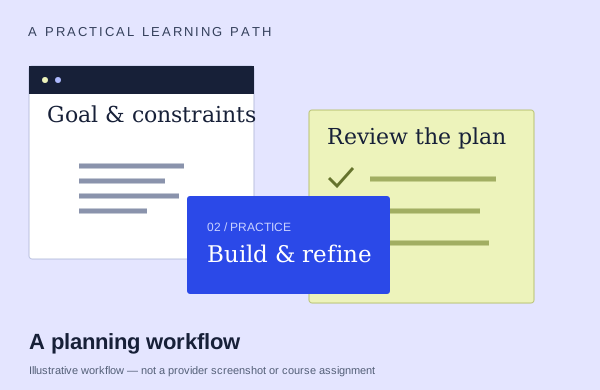
An illustrative planning workflow: start with source material, practice and check the output
An illustration to frame your learning goal—not an assignment promised by every course.

Selection checklist

Compare the details that matter.

01 / COMPARE

Learning sequence

Agree on a real task and the people who need to learn it. Ask which examples are adapted, what preparation is needed and how participants can practice together.

02 / COMPARE

account readiness

Name the Microsoft plan, app version and features needed for the exercises. A lesson subscription, an Office license and Copilot feature rights are separate requirements.

03 / COMPARE

shared workflow

Choose work that several participants need to perform or hand off. Ask how the training helps them use consistent context and review habits together.

04 / COMPARE

follow-up entitlement

Confirm what support or replay is actually included after the session, for how long and for which learners. Do not infer it from the class format.

Options to compare.

Selected examples with different tradeoffs. A broader course may include this topic as one part of its curriculum.

01 /

Asif Rehmani

The Copilot Activation Workshop

Business users work on their own email, reports, decks and data. Sequence includes prebuilt agents, building/testing/refining an Agent Builder agent, personal work scenarios and adoption habits.

Confirm training format1or 2 daysAsk provider for pricing

Practice & setup: Ask whether you will watch demonstrations, work through exercises, or receive individual feedback. Ask which Microsoft account, app version and Copilot features you need for the exercises.

Confirm teaching language. Ask about current dates and enrollment.

View the provider’s course ↗
02 /

Bright Ideas Agency

Get Work Done with Microsoft 365 Copilot

Foundations and verification. Word, PowerPoint, Pages and notes.

Live online4×90 minutesAsk provider for pricing

Practice & setup: Ask whether you will watch demonstrations, work through exercises, or receive individual feedback. Ask which Microsoft account, app version and Copilot features you need for the exercises.

Confirm teaching language. Ask about current dates and enrollment.

View the provider’s course ↗
03 /

FlowChainLabs

Microsoft Copilot Training for Teams

Practice on learners’ own M365 work files: Outlook threads/replies, Teams decisions/actions, Word proposals, Excel formulas/trends and PowerPoint. Build prompts, a recurring-job agent and AI-use policy.

Live onlineAsk about course lengthAsk provider for pricing

Practice & setup: Ask whether you will watch demonstrations, work through exercises, or receive individual feedback. Ask which Microsoft account, app version and Copilot features you need for the exercises.

Confirm teaching language. Ask about current dates and enrollment.

View the provider’s course ↗
Confirm the exact delivery, teaching language, price basis and software access. A lab or exercise advertised by a provider is not the same as included Microsoft feature rights.
Search the wider catalog ↗