Learning choices / A learning decision

Microsoft 365 Copilot prompt training

Choose prompting grounded in a real app and source.

Compare a vague request with a task, context, source and expected output. Validate the result in the workbook or document rather than judging fluent language alone.

Compare the named options ↓
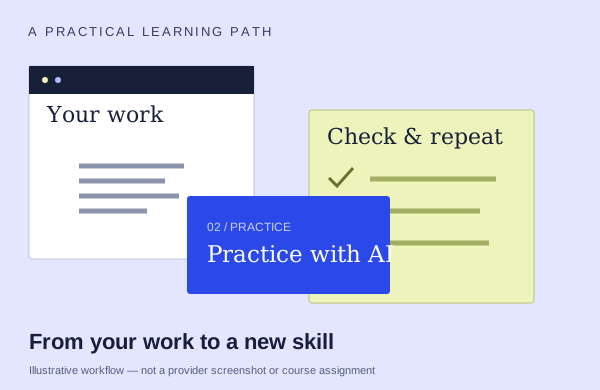
An illustrative learning workflow: start with source material, practice and check the output
An illustration to frame your learning goal—not an assignment promised by every course.

Selection checklist

Compare the details that matter.

01 / COMPARE

Grounding

Compare an initial request with a more specific, source-grounded version. Ask how you will judge the result and refine the request when the first answer is insufficient.

02 / COMPARE

iteration

Ask how you refine a request after the first result. Compare changing context, source material and expected output rather than simply trying a longer prompt.

03 / COMPARE

native task

Ask which task you complete inside a Microsoft 365 app and what source material it uses. A general prompt lesson should identify how the method changes in that app.

04 / COMPARE

output checks

Look for a concrete check against the original material. What happens when a figure, claim or reference is wrong, and will you practice correcting it?

Options to compare.

Selected examples with different tradeoffs. A broader course may include this topic as one part of its curriculum.

01 /

AIPTD

Prompting & Grounding Microsoft Copilot

Reference files/meetings/threads. Narrow search scope.

Confirm training format3 hoursAsk provider for pricing

Practice & setup: Ask whether you will watch demonstrations, work through exercises, or receive individual feedback. Licensed M365 account recommended; admin must enable saved/shared prompts.

Confirm teaching language. Ask about current dates and enrollment.

View the provider’s course ↗
02 /

UCD Professional Academy

AI Prompt Engineering with Microsoft 365 Copilot

Outlook triage/calendar. Excel cleaning/forecasts.

Confirm training formatAsk about course lengthAsk provider for pricing

Practice & setup: Ask whether you will watch demonstrations, work through exercises, or receive individual feedback. Course inquiry; own M365 Business+Copilot; Personal subscribers have reduced activities.

Confirm teaching language. Ask about current dates and enrollment.

View the provider’s course ↗
03 /

SharePoint Business Solutions, Inc. (SBSI)

Copilot in Excel and Copilot Chat: Write a Clear Prompt, Check the Numbers

Compare vague, structured and file-grounded prompts. Demonstrate Excel highlighting and charting, and verify formulas and figures against source data.

Confirm training format60minAsk provider for pricing

Practice & setup: Ask whether you will watch demonstrations, work through exercises, or receive individual feedback. Anyone may watch without license; paid M365 Copilot,Excel and OneDrive workbook required for exercises.

Confirm teaching language. Ask about current dates and enrollment.

View the provider’s course ↗
Confirm the exact delivery, teaching language, price basis and software access. A lab or exercise advertised by a provider is not the same as included Microsoft feature rights.
Search the wider catalog ↗