Learning choices / A learning decision

Microsoft Learn Copilot training paths

Choose an official self-study starting point.

Start with role-based exercises or an app-by-app sequence, then check account access before practice. These two paths are not purchased instructor seats or a certification exam.

Compare the named options ↓
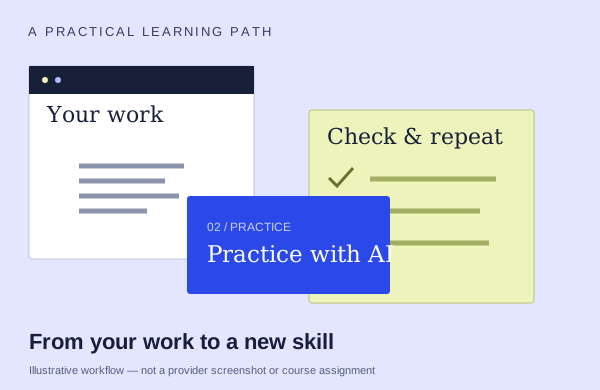
An illustrative learning workflow: start with source material, practice and check the output
An illustration to frame your learning goal—not an assignment promised by every course.

Selection checklist

Compare the details that matter.

01 / COMPARE

Path organization

Compare learning organized by job-role scenarios with a sequence through app tasks. Choose the progression that matches the work you want to practice.

02 / COMPARE

official level

Use the level label on the exact version you are considering. An official self-study path and a seller-delivered class may use different labels.

03 / COMPARE

prerequisites

Describe what you can already do in the app. Compare that with the actual prerequisite tasks; beginner and advanced labels can mean different things across providers.

04 / COMPARE

self-study versus class

Compare following the official modules at your own pace with buying a facilitated class. Decide whether you need a schedule, live questions or practice feedback, and verify what the class includes.

Options to compare.

Selected examples with different tradeoffs. A broader course may include this topic as one part of its curriculum.

01 /

Microsoft

Empower your workforce with Microsoft Copilot

An official self-directed path organized around ten job-role scenarios, including finance, HR, sales and operations.

Self-directed pathAsk about course lengthFree learning · software separate

Practice & setup: Ask whether you will watch demonstrations, work through exercises, or receive individual feedback. Access to the Microsoft 365 apps and OneDrive used in the exercises. Some exercises need a Microsoft 365 Copilot license; agent access depends on organization settings.

English learning content. Ask about current dates and enrollment.

View the provider’s course ↗
02 /

Microsoft

Draft, analyze, and present with Microsoft Copilot (MS-4018)

An official intermediate learning path that moves through prompting, documents, spreadsheets, presentations, email and meetings.

Self-directed path7 modules · study time variesFree learning · software separate

Practice & setup: Ask whether you will watch demonstrations, work through exercises, or receive individual feedback. Basic functional experience with Microsoft 365 services is the stated prerequisite. Check feature and account requirements before practice.

English learning content. Ask about current dates and enrollment.

View the provider’s course ↗
Confirm the exact delivery, teaching language, price basis and software access. A lab or exercise advertised by a provider is not the same as included Microsoft feature rights.
Search the wider catalog ↗